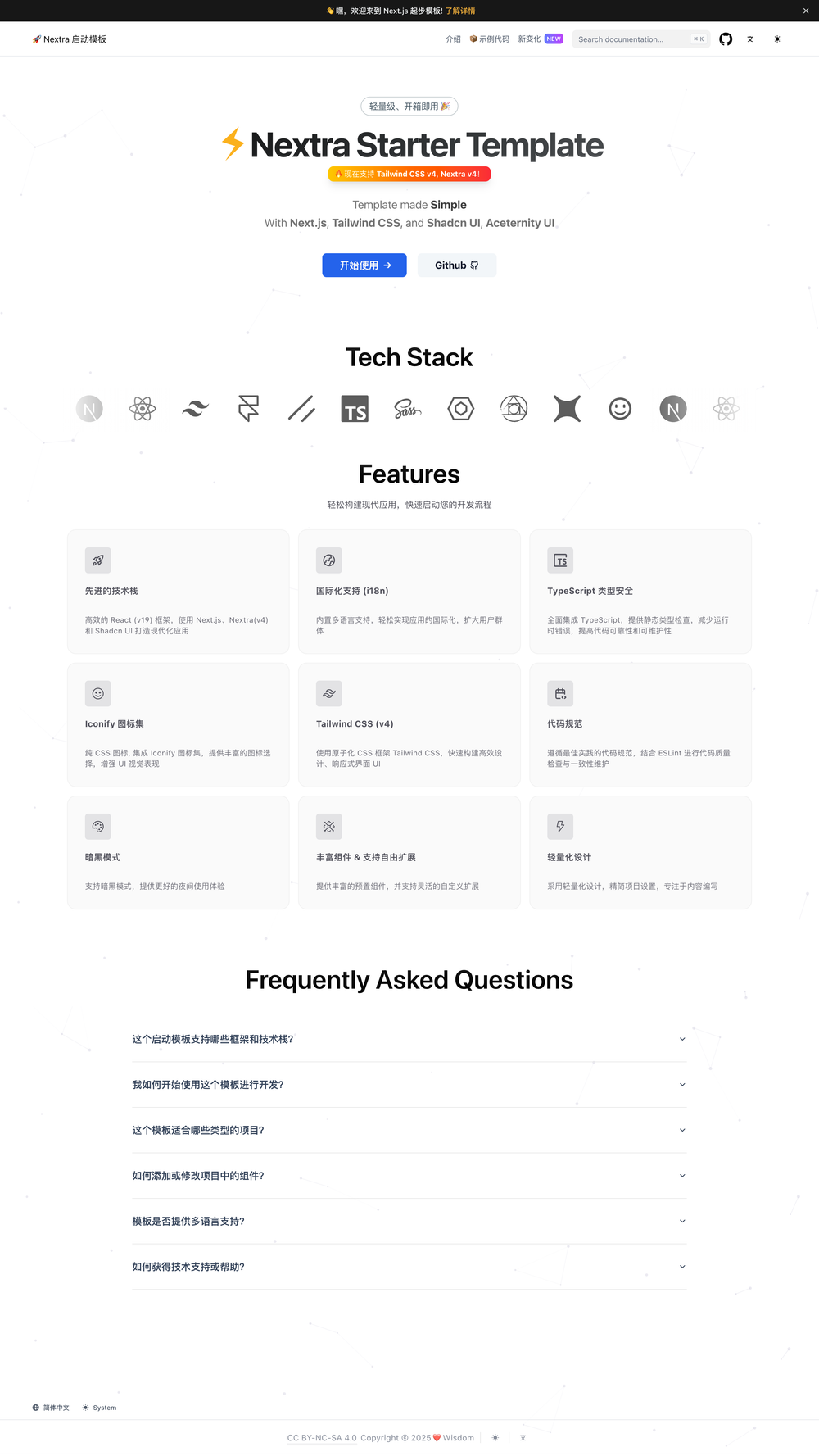

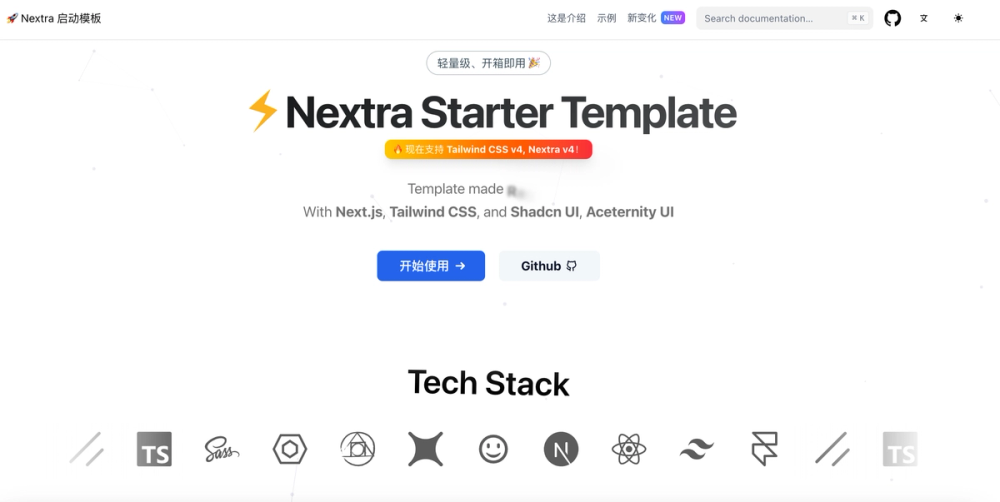
Nextjs Nextra Starter
⚡️ Quick template Starter Template - React v19 + Next.js + Nextra (v4) + TypeScript + TailwindCSS (v4) + Shadcn UI
Features
- ⚡️ Next.js + TypeScript: Efficient React framework with type safety support.
- 🎨 Tailwind CSS (v4): Atomic CSS, quickly build custom, responsive UI interfaces.
- 🧩 Shadcn UI: Highly customizable UI component collection, no need to install extra dependencies.
- 📚 Nextra v4: Static site generator based on Next.js, optimized for documentation.
- 🛠️ ESLint: Unified coding style and best practices.
- ⛅ Lightweight Design: Streamlined project setup, focus on content writing.
Prerequisites
- React 19.x
- Node >= 20.x
- Pnpm 9.x
- VS Code Plugin
dbaeumer.vscode-eslint>= v3.0.5 (pre-release)
Installation and Running
- Install dependencies:
pnpm i
2. Local development: shell
pnpm dev
```
Then open `http://localhost:8000` in your browser to access the service.
Using Shadcn UI Components
This project has integrated Shadcn UI . Follow these steps to install/edit components and use them:
- Add components using
Shadcn CLI:
pnpm dlx shadcn@latest add <component_name>
For example, to add the `<Alert />` component, execute the following command (see the [documentation](https://ui.shadcn.com/docs/components/alert#installation) for details): shell
pnpm dlx shadcn@latest add alert
2. Use the component: tsx
import { Alert, AlertDescription, AlertTitle } from '@/components/ui/alert'
export default function Home() { return ( <Alert> <AlertTitle>Heads up!</AlertTitle> <AlertDescription> You can add components and dependencies to your app using the cli. </AlertDescription> </Alert> ) } ``` 3. Customize component styles (optional):
`Shadcn UI` components typically provide popular default styles and features that meet most needs. If you need to customize, edit the corresponding component file, e.g., open `src/components/ui/alert.tsx` to modify the style of the `Alert` component.

> Note: In most cases, the default styles provided by `Shadcn UI` are sufficient and do not require additional modification.